


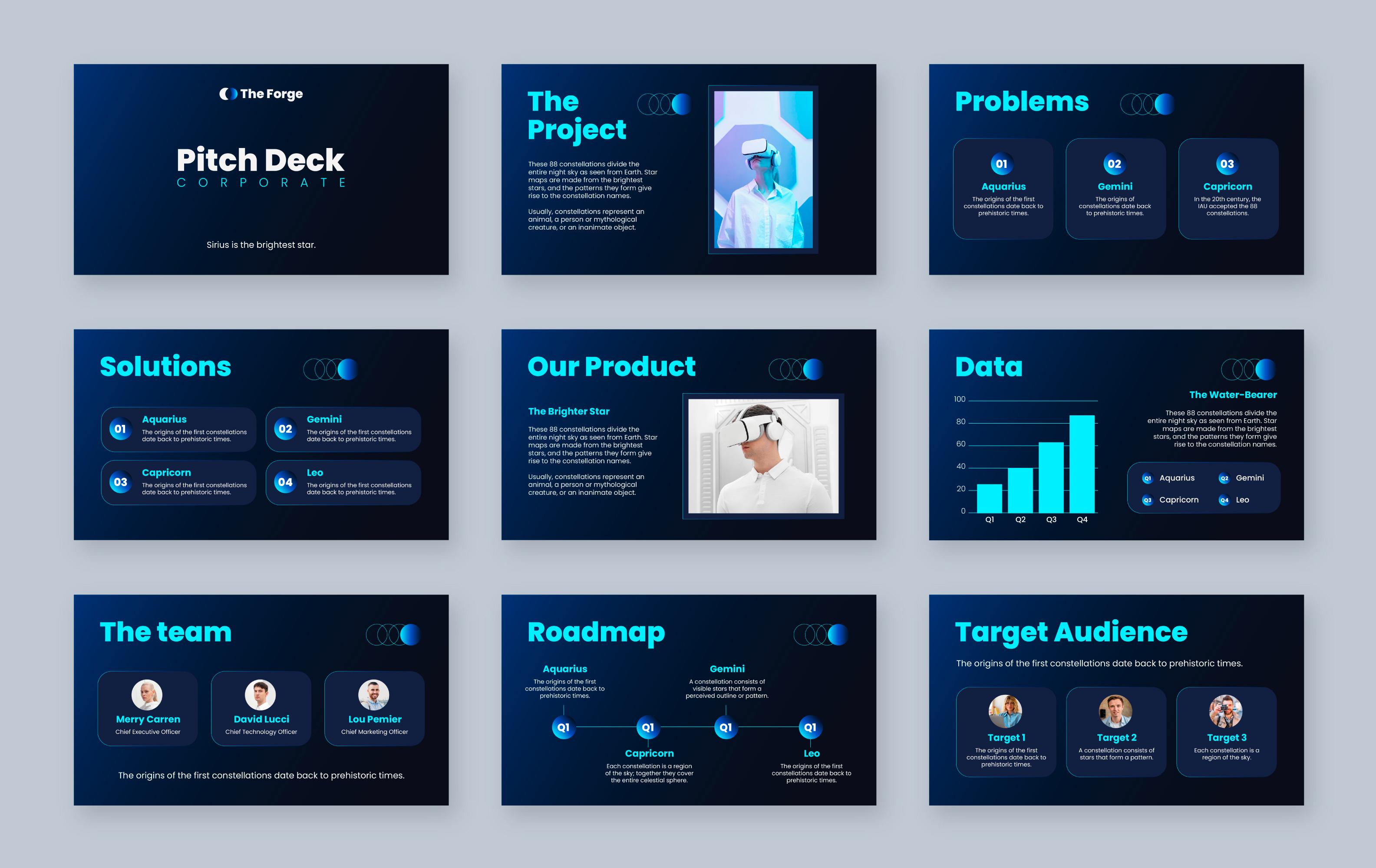
If you’ve ever stared at a blank PowerPoint slide five minutes before a meeting and thought, “There has to be a faster way,” you’re not alone.
Today’s business presentations move fast. Deadlines are tighter. Audiences are more distracted. And expectations? Higher than ever. That’s why AI has entered the presentation world—not as a replacement for humans, but as a smart assistant that helps you move quicker without losing direction.
As a Presentation Design Agency working closely with growing businesses, leadership teams, and global clients, we at MyBusiness Visual see this question come up all the time:
When should you use AI in presentations—and when should you not?
Let’s talk about it honestly.
What AI Is Actually Good At in Presentations?
AI isn’t here to steal your job or magically create a perfect deck in one click. What it is great at is removing friction from the process.
Think of AI as:
-
A fast brainstorming partner
-
A content organizer
-
A time-saver for repetitive work
It helps you get from idea to draft faster—so humans can focus on what really matters: clarity, persuasion, and design impact.
The Right Time to Use AI in Your Presentation Workflow
1. When You’re Just Getting Started
The hardest part of any presentation? Starting.
AI is incredibly helpful when:
-
You don’t know how to structure your deck yet
-
You need quick slide ideas
-
You want to explore multiple angles before committing
Instead of spending hours thinking about “what comes first,” AI can give you a rough framework to react to. That momentum alone is a win.
2. When You Have Messy Content That Needs Order
Most business content doesn’t arrive neatly packaged. It’s scattered across emails, notes, spreadsheets, and documents.
This is where AI shines.
You can use AI to:
-
Turn rough notes into a logical slide flow
-
Summarize long documents into presentation-ready points
-
Simplify complex information
Many teams using an Offshore PowerPoint Presentation Service rely on AI at this stage to speed things up—then refine the output with human expertise.
3. When You’re Working With Data and Reports
AI is excellent at pulling insights from:
-
Market research
-
Internal reports
-
Performance data
It won’t replace strategic thinking, but it helps you spot patterns faster and prepare talking points that you can later refine with context.
For leadership decks and reviews, this alone can save hours.
4. When You Need Speaker Notes or Supporting Text
Let’s be real—writing speaker notes isn’t anyone’s favorite task.
AI can quickly generate:
-
First-draft speaker notes
-
Slide explanations
-
Executive summaries
You’ll still want to adjust tone and intent, but starting with something on the page beats starting from nothing.
Where AI Falls Short (And Humans Still Win)
High-Stakes, High-Visibility Presentations
For:
-
Investor pitches
-
Boardroom presentations
-
Sales decks that drive revenue
AI alone isn’t enough.
These presentations need:
-
Sharp positioning
-
Emotional intelligence
-
Strategic storytelling
This is where an experienced Presentation Design Agency like MyBusiness Visual makes a real difference—combining AI efficiency with human judgment and design thinking.
Brand Voice and Visual Storytelling
AI can suggest layouts, but it doesn’t feel your brand.
It struggles with:
-
Visual hierarchy
-
Brand tone consistency
-
Design psychology
That’s why many companies use AI internally—but rely on a professional or offshore presentation team for the final version that clients actually see.
Persuasion and Decision-Making
Presentations don’t exist just to inform. They exist to influence decisions.
AI can provide words.
Humans provide intent.
Framing an argument, guiding attention, and anticipating objections still require experience and empathy—things AI can’t fully replicate.
AI vs Human Expertise: The Real Difference
| Area | AI Helps With | Humans Excel At |
| Speed | Very fast | Thoughtful pacing |
| Structure | Logical flow | Audience relevance |
| Design | Basic layouts | Brand-driven visuals |
| Storytelling | Generic | Persuasive & emotional |
| Impact | Supportive | Decision-focused |
The smartest teams don’t choose one over the other. They combine both.
What We’re Seeing Right Now (Trends That Matter)?
Across industries, businesses are:
-
Using AI to draft decks faster
-
Relying on offshore teams to scale presentation output
-
Letting experts handle final storytelling and design
-
Updating recurring decks using AI-assisted workflows
AI isn’t replacing presentation teams—it’s changing how efficiently they work.
Practical Advice for Business Teams
If you want to use AI well:
-
Use it early, not at the final stage
-
Never skip human review
-
Treat AI output as a draft, not a deliverable
-
Pair AI with a trusted Presentation Design Agency
-
Use an Offshore PowerPoint Presentation Service when you need speed and consistency
Frequently Asked Questions
Can AI fully create a professional presentation?
It can create a starting point—but not a high-impact final deck.
Is AI safe for client presentations?
Yes, if it’s refined by humans before delivery.
Does AI reduce presentation costs?
It reduces time and rework, especially when combined with offshore services.
How does MyBusiness Visual use AI?
We use AI to accelerate research, structure, and drafts—then apply expert storytelling and design to make presentations truly effective.
Final Thoughts
AI isn’t the enemy of great presentations. Used correctly, it’s a powerful ally.
The best presentations today are built with:
-
AI for speed
-
Humans for strategy
-
Design for credibility
At MyBusiness Visual, we help business clients balance all three—so your presentations don’t just look polished, but actually move decisions forward.
Because in business, clarity wins—and humans still lead that conversation.

 Arabic
 French
 Spanish
 Portuguese
 Deutsch
 Turkish
 Dutch
Dutch
 Italiano
 Russian
 Romaian
 Portuguese (Brazil)
 Greek
Greek