


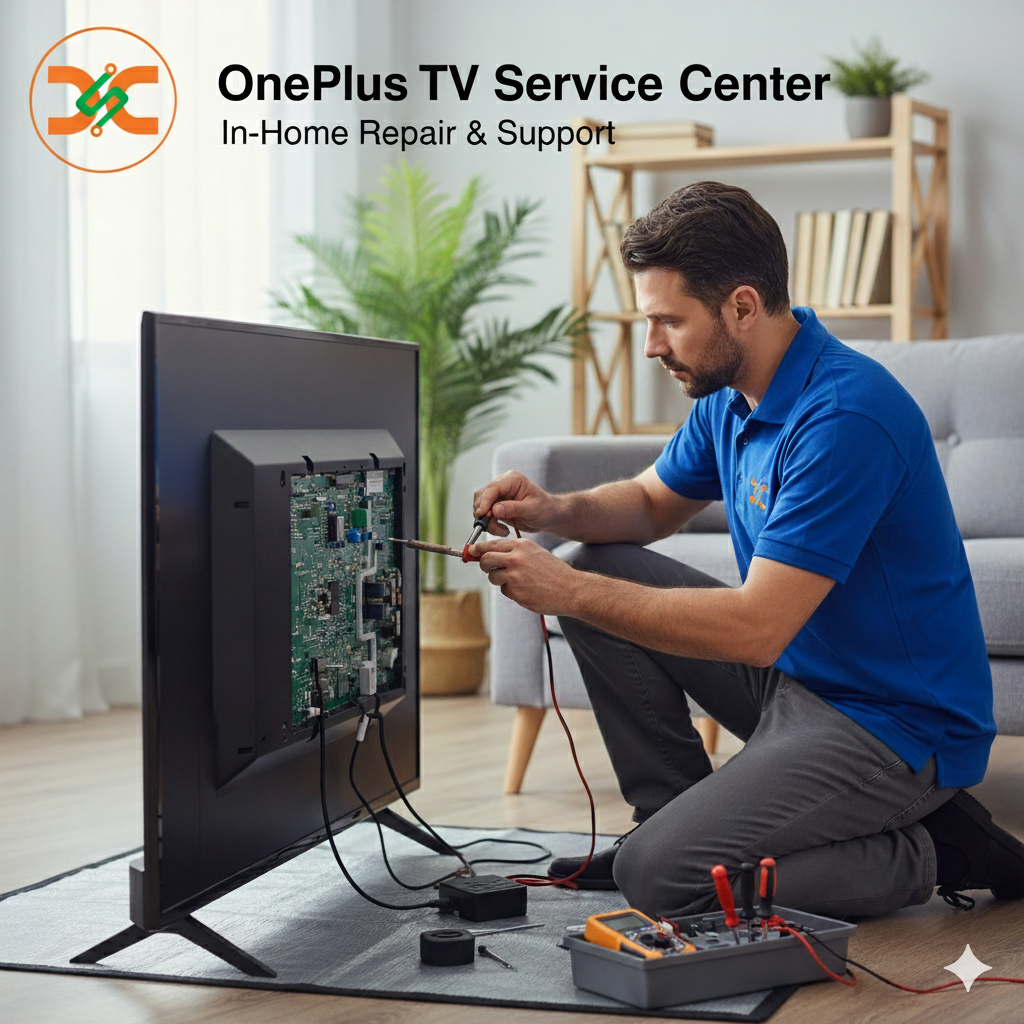
Introduction
OnePlus TVs are known for their vibrant displays, advanced smart features, and high-quality visuals. However, even the most reliable televisions can face issues over time, especially with the screen — the most delicate and essential part of your TV. If you’re dealing with problems like flickering, black spots, or a blank screen, the best way to ensure a proper fix is to contact a certified OnePlus TV Service Center. These service centers provide expert diagnosis, genuine parts replacement, and precise repair solutions that restore your TV’s performance without compromising on quality.
Common OnePlus TV Screen Problems
Over time, TV screens can develop issues due to several reasons such as voltage fluctuations, physical damage, or internal software glitches. Below are the most common screen-related issues reported by OnePlus TV owners:
-
No Display or Black Screen:
The TV powers on, but there’s no picture. This can happen due to backlight failure, loose cable connections, or motherboard issues. -
Flickering Screen:
If your screen flashes intermittently, it might be caused by an HDMI issue, outdated software, or faulty display panels. -
Vertical or Horizontal Lines:
Lines appearing on your TV screen are often linked to damaged internal wiring or panel issues that require professional repair. -
Color Distortion or Patches:
Uneven colors or patches usually indicate screen burn-in or pixel failure, which can only be fixed by a trained technician. -
Cracked or Physically Damaged Screen:
Physical damage due to accidental impact is not covered under warranty, but the panel can be replaced through authorized repair centers.
Steps to Fix OnePlus TV Screen Problems
Before you rush to a service center, there are a few troubleshooting steps you can try at home. However, be cautious — improper handling can worsen the issue.
1. Check Power Supply and Connections
Ensure your TV is properly connected to a working power outlet. Loose cables, damaged HDMI cords, or faulty surge protectors can cause display issues. Unplug and replug the cables securely.
2. Restart or Reset Your TV
Sometimes, a simple restart can fix temporary glitches. If the problem persists, try performing a factory reset (via Settings > Device Preferences > Reset). This resolves software errors that affect display performance.
3. Update System Software
Outdated firmware can lead to screen flickering or lag. Go to Settings > About > System Update and install the latest version. Software updates often improve display stability.
4. Inspect HDMI Ports and External Devices
Disconnect all external devices like set-top boxes or gaming consoles and check if the issue remains. A faulty external device or port can affect display quality.
5. Adjust Display Settings
Navigate to Settings > Picture > Advanced and experiment with brightness, contrast, and color settings. Incorrect picture calibration may cause distorted visuals.
6. Use the “Self-Diagnosis” Option
Some OnePlus TV models have a self-diagnosis feature that helps detect screen issues. Follow the on-screen guide to identify the problem source.
If none of these methods solve your screen problem, it’s time to consult professionals at a OnePlus TV Service Center.
Why Choose a Professional OnePlus TV Service Center?
Attempting to fix internal TV issues without proper tools or expertise can lead to permanent damage. A professional repair center offers multiple benefits:
-
Certified Technicians:
Service engineers are trained by OnePlus and use authorized diagnostic tools. -
Genuine Replacement Parts:
Authentic components ensure long-lasting performance and compatibility. -
Warranty Safety:
Authorized service centers maintain your TV’s warranty coverage. -
Doorstep Pickup and Delivery:
Many centers, including Dial Service Centre, offer convenient pickup and drop services for customers who prefer home repair assistance.
OnePlus TV Service Centers in Major Cities
Finding a reliable repair center in your area is crucial. Below are two trusted locations offering expert assistance for OnePlus TV screen problems:
-
OnePlus TV Service Center in Thane:
OnePlus TV Service Center in Thane , Technicians here provide prompt and professional repair for all screen-related issues, from backlight replacement to motherboard servicing. -
OnePlus TV Service Center in Mumbai:
OnePlus TV Service Center in Mumbai , Known for its fast turnaround and use of genuine spare parts, this center is a go-to destination for OnePlus TV owners seeking dependable service.
If you live in another city, don’t worry — OnePlus offers Specialized Repair Services in Different Cities, ensuring that expert technicians are available nationwide to handle your screen repair needs.
Preventive Measures to Avoid Screen Damage
-
Use a Voltage Stabilizer:
Protect your TV from power surges or fluctuations. -
Avoid Touching the Screen:
Fingerprints and pressure marks can damage pixels over time. -
Clean Regularly:
Use a soft microfiber cloth to wipe off dust gently. -
Don’t Keep Static Images for Long:
Avoid pausing screens for extended periods to prevent screen burn-in. -
Switch Off When Not in Use:
Reduce strain on the panel by turning off your TV when idle.
Role of Dial Service Centre
Dial Service Centre plays a key role in connecting customers with trusted OnePlus repair professionals. With its network of authorized technicians, doorstep service options, and affordable pricing, the center ensures your TV is handled with precision and care — restoring its display performance efficiently and safely.
Conclusion
A malfunctioning screen can disrupt your viewing experience, but with professional assistance, it can be resolved effectively. Whether it’s a simple flicker or a complete display failure, don’t attempt risky DIY repairs. Instead, contact a nearby OnePlus TV Service Center for expert diagnosis and reliable service. With centers like the OnePlus TV Service Center in Thane and OnePlus TV Service Center in Mumbai, you can expect specialized repair services across cities to get your TV back to perfect condition.
FAQ Section
Q1. Why is my OnePlus TV showing a black screen?
A black screen can result from backlight failure, faulty cables, or motherboard issues. Professional diagnosis is recommended.
Q2. Can I repair a cracked OnePlus TV screen at home?
No, a cracked screen requires replacement and should only be handled by certified technicians.
Q3. How much does it cost to fix a OnePlus TV screen?
The cost varies by model and damage severity. Visiting an authorized service center ensures transparent pricing.
Q4. Does OnePlus provide home repair service?
Yes, many OnePlus service centers offer doorstep repair or pickup-and-drop services.
Q5. What is the warranty on screen replacement?
Most authorized centers offer a limited warranty on replaced panels, depending on the part and service terms.
Read Our Previous Blog------------> How to fix TV if screen is black?

 Arabic
 French
 Spanish
 Portuguese
 Deutsch
 Turkish
 Dutch
Dutch
 Italiano
 Russian
 Romaian
 Portuguese (Brazil)
 Greek
Greek