


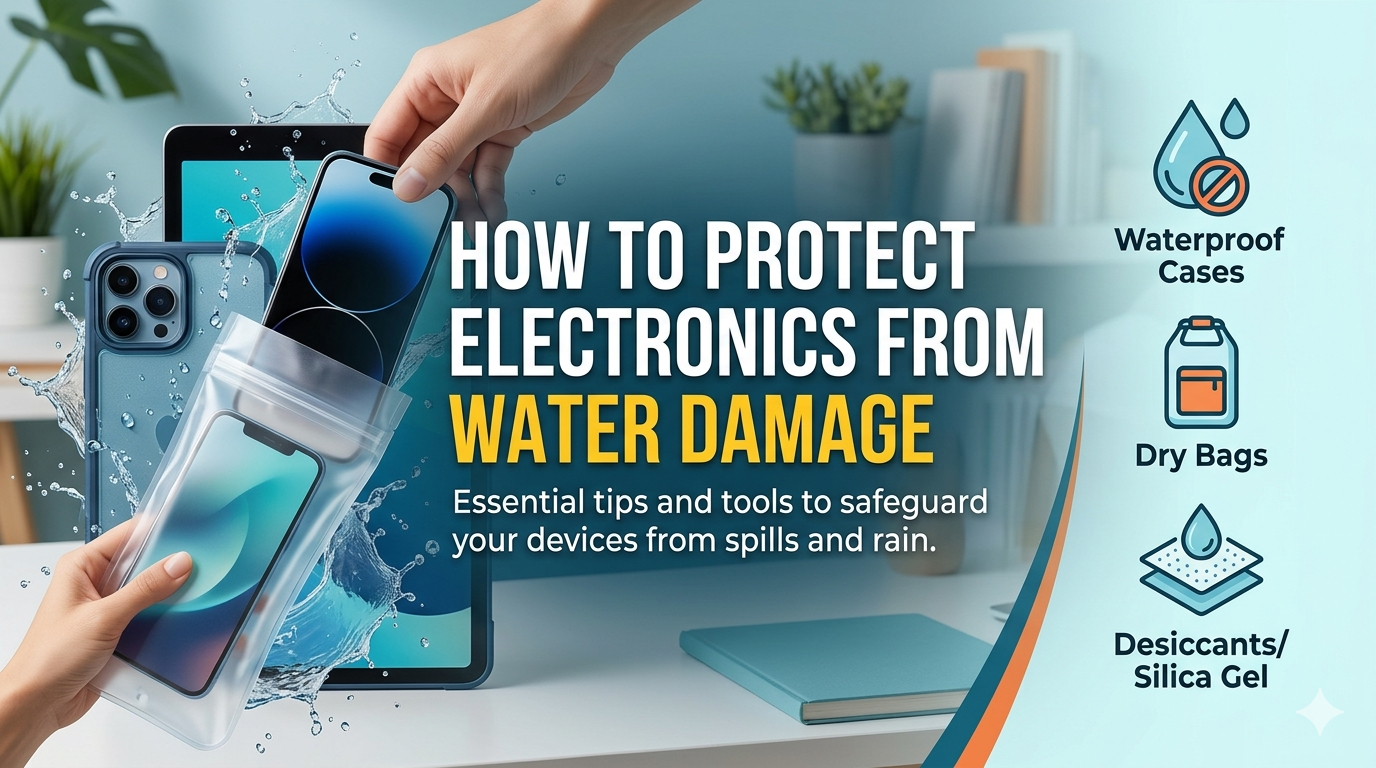
Water reaches electronics faster than most people expect. A pipe leaks behind the wall. A washing machine overflows. A storm pushes water through a low doorway. At first, the floor looks like the main problem. Then someone notices the laptop charger near the baseboard, the gaming console under the TV stand, the office printer close to the floor, or the router sitting beside a wet wall. This is the moment when quick choices matter. Professional help with water mitigation restoration Austin TX can reduce damage to the home, but homeowners also need to know how to protect electronics before moisture turns into a bigger loss.
Electronics do not handle water well because water can carry minerals, dirt, and small particles into sensitive parts. Even clean water can cause trouble. It can create short circuits, damage circuit boards, corrode metal contacts, and weaken batteries. The device may still turn on at first, but problems can appear days later. A phone may overheat. A computer may fail to charge. A smart TV may flicker. A router may disconnect again and again.
The goal is simple. Keep water away from devices, act fast when water enters the home, and avoid risky mistakes after exposure.
First Steps When Water Reaches Electronics
Safety comes first. Do not grab wet electronics while standing in water. Electricity and water can create a serious hazard. If water is near outlets, power strips, appliances, or plugged-in devices, stay back and shut off power from a safe place if you can. If you cannot do that safely, call a professional.
Once the area is safe, unplug devices that are dry enough to handle. Turn them off right away. Do not test them. Do not press buttons to “see if they still work.” That can push power through wet parts and make the damage worse.
Remove electronics from the wet area and place them on a dry surface. If the device has removable batteries, memory cards, or accessories, take them out only when it is safe. Keep each item separated so air can move around it.
For phones, tablets, laptops, cameras, and small devices, wipe the outside with a clean, dry cloth. Do not shake the device hard. That can move water deeper inside. Let the device sit in a dry, ventilated area. Avoid using hair dryers, ovens, space heaters, or direct sunlight. High heat can damage screens, plastic parts, batteries, and internal connections.
Why Drying the Room Matters as Much as Drying the Device
Many homeowners focus only on the device. They forget the room around it. That is a mistake. Moisture in the air can keep damaging electronics even after visible water is gone.
When water enters a room, humidity rises. Drywall, carpet, wood trim, cabinets, furniture, and insulation can hold moisture. That damp air can affect computers, speakers, modems, smart home hubs, security cameras, and entertainment systems.
This is why proper drying matters. Fans may help move air, but they do not always remove enough moisture. Dehumidifiers, moisture meters, and professional drying equipment can make a big difference after a water event. If the space stays damp, corrosion can start inside electronics and electrical components.
Pay close attention to these areas:
-
Home offices with computers and printers
-
Entertainment centers near exterior walls
-
Garages with power tools and chargers
-
Basements or lower rooms with storage electronics
-
Closets with routers, servers, or security systems
-
Kitchen counters near small appliances
If water entered through a ceiling or wall, check shelves, cabinets, and mounted devices. Water can travel behind surfaces before it shows.
Smart Ways to Prevent Water Damage Before It Happens
The best protection starts before a leak or storm. Start by changing where you store electronics. Keep expensive devices off the floor. Use shelves, wall mounts, desks, or raised storage bins. This simple habit can protect laptops, game systems, chargers, cameras, and smart devices from minor flooding.
Use surge protectors with care. They protect against power issues, but they do not make electronics safe in wet areas. Keep power strips off the floor and away from sinks, windows, aquariums, laundry machines, and water heaters.
Check your home for common leak sources. Look under sinks. Inspect washing machine hoses. Watch for stains near ceilings. Listen for dripping sounds. Check around the water heater. Small leaks often give warning signs before they create serious water damage.
Smart leak detectors can also help. Place them near water heaters, washing machines, dishwashers, sump pumps, toilets, and under sinks. Some models send phone alerts when they detect water. That early warning can save electronics and reduce home repair costs.
For storms, prepare ahead. Move electronics away from windows and exterior doors. Lift cords and power strips from the floor. Back up important files. Store external drives in a dry, elevated place. A waterproof storage case can help protect documents, hard drives, cameras, and small business equipment.
What Not to Do After Electronics Get Wet
Bad advice spreads fast after water damage. Some people say to bury a wet phone in rice. Rice may absorb some surface moisture, but it does not clean minerals from inside the device. It also can leave dust or particles in ports. A dry, ventilated space or professional electronics cleaning is often a better choice.
Do not charge a wet device. Do not plug in a wet appliance. Do not open large electronics unless you know what you are doing. Televisions, computers, and battery powered devices can hold electrical risk even after they are unplugged.
Do not ignore strange signs after a device dries. Watch for heat, burning smells, flickering screens, battery swelling, weak charging, clicking sounds, or random shutdowns. These signs can mean internal damage. Stop using the device and have it checked.
Also remember that water categories matter. Water from a clean supply line is different from floodwater, sewage backup, or stormwater. Dirty water can carry contaminants and can make electronics harder to save. In those cases, restoration and safe handling become even more important.
Protect the Home System, Not Just the Devices
Modern homes depend on electronics. A water event can affect security systems, garage door openers, smart thermostats, WiFi routers, home office equipment, kitchen appliances, and charging stations. Protecting electronics means protecting daily routines.
After water damage, document everything. Take photos of affected devices, cords, outlets, and the room. Keep receipts if you replace equipment or pay for inspection. This can help with insurance questions.
Then focus on the source. Drying devices will not help much if water keeps entering the space. Repair the leak, remove wet materials when needed, and dry the structure properly. Fast action can reduce mold risk, odor, hidden moisture, and repeat damage.
Call for Help Before Moisture Spreads
Water damage can turn a small problem into a major repair when homeowners wait too long. Electronics make the situation even more sensitive because damage can happen inside the device where you cannot see it. Move safely, shut off power when possible, keep devices dry, and get the affected area dried the right way.
If water has entered your home and you need fast help protecting your property, contact Legacy Water Restoration for emergency water removal Austin TX. Their team can help remove water, dry affected areas, and guide you through the next steps before moisture causes more damage.

 English
 Arabic
 French
 Spanish
 Portuguese
 Deutsch
 Turkish
 Dutch
Dutch
 Italiano
 Russian
 Portuguese (Brazil)
 Greek
Greek